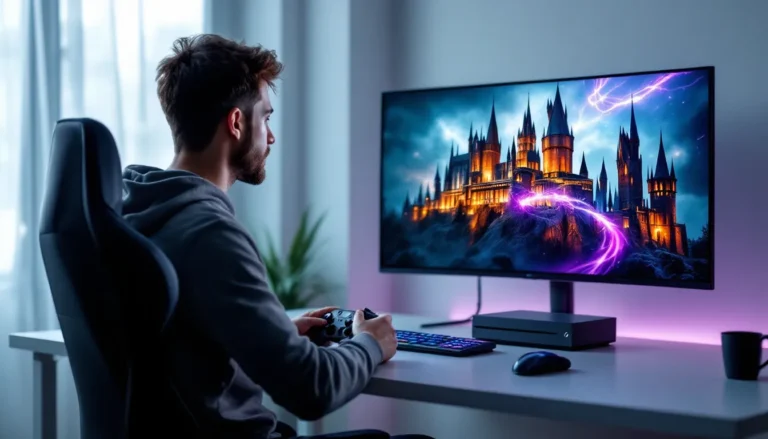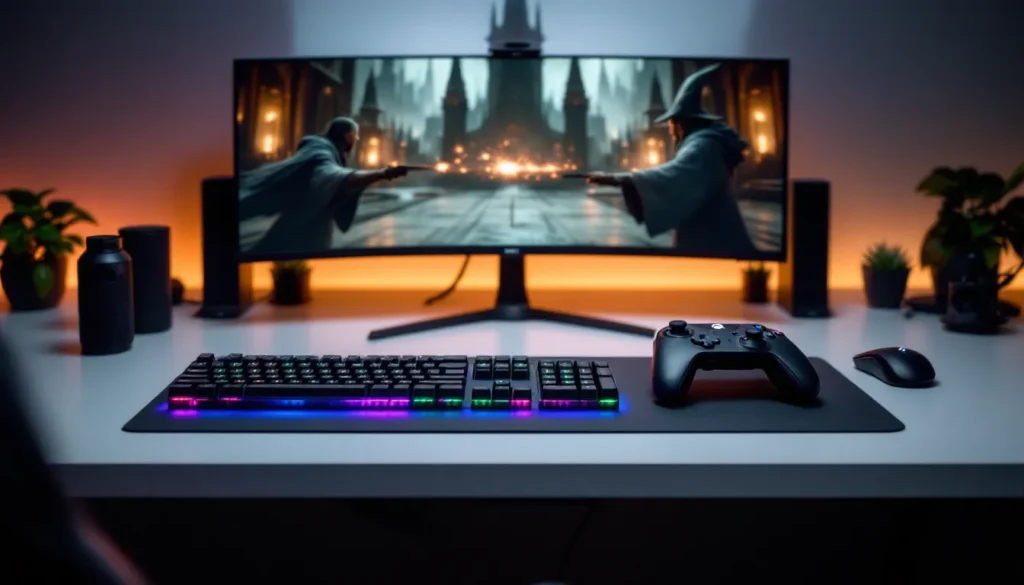

The choice between controller and keyboard for Hogwarts Legacy isn’t just about preference, it fundamentally shapes how you experience Hogwarts. Whether you’re exploring Diagon Alley, dueling Death Eaters, or solving intricate puzzles, your input method directly impacts everything from combat fluidity to exploration comfort. The debate has only intensified as the game has matured post-launch, with players discovering that one control scheme doesn’t fit all playstyles. This guide breaks down the core mechanics, performance differences, and real-world gameplay scenarios to help you decide which setup actually works best for how you play.
Table of Contents
ToggleKey Takeaways
- Controllers deliver superior ergonomic comfort for extended gaming sessions and intuitive spell-casting with haptic feedback, while keyboard and mouse offer precision camera control and faster spell selection through customizable keybinds.
- Input lag differences between controller and keyboard are negligible in Hogwarts Legacy’s single-player gameplay, making performance essentially equal on modern hardware regardless of your input method choice.
- PC players should experiment with both controller and keyboard setups within the first few hours to determine their preference, while console gamers can confidently commit to controllers as the optimized, intended experience.
- Controllers provide broader accessibility options, especially the Xbox Adaptive Controller, making them better suited for players with mobility limitations or different gaming needs.
- The best Hogwarts Legacy controller or keyboard choice depends on comfort, platform, and familiarity rather than raw performance, with most players finding their preference within one gaming session and full muscle memory developing after 10+ hours of play.
Understanding the Core Differences
Controller Mechanics and Feel
Controllers in Hogwarts Legacy deliver a console-like experience that feels native to the game’s design. The DualSense (PS5) and **Xbox Series X
|
S** controllers provide haptic feedback and trigger resistance that add tactile weight to spell casting and wand interactions. When you cast Expelliarmus, you feel the recoil through the controller, it’s immersive and intentional.
The analog sticks handle camera movement smoothly, with built-in dead zones that prevent unwanted drift during precise positioning. Button layout is optimized for quick spell selection through the D-pad, making spell rotation feel natural even in heated combat. Most players report that the controller’s layout reduces hand fatigue during extended sessions since actions cluster logically around the face buttons.
Keyboard and Mouse Precision
Keyboard and mouse gameplay shifts to PC-native controls where precision takes priority. The mouse handles camera movement with absolute control, you’re not wrestling with stick sensitivity curves, you’re pointing directly where you want to look. This matters significantly during high-speed exploration or when tracking moving enemies in combat.
Keyboard bindings offer virtually unlimited remapping flexibility. Want your healing spell on a thumb button? Done. Prefer WASD for movement with numpad for spells? You can set that up. The trade-off is that the base keybinding layout doesn’t feel as intuitively designed for spellcasting as the controller, requiring more personal customization to feel optimal.
Controller Setup: Comfort Meets Accessibility
Ergonomics and Long Gaming Sessions
Controllers shine during marathon sessions. The symmetrical grip and distributed button layout prevent the hand cramping that can develop with keyboard gaming. Your hands rest naturally, and since both hands share the workload, fatigue spreads across multiple muscle groups rather than concentrating in your fingers and wrists.
For players with certain accessibility needs, controllers often support adaptive features. The Xbox Adaptive Controller offers remappable buttons, single-handed configurations, and compatibility with external switches for players with limited mobility. Hogwarts Legacy fully supports these accessibility features on Xbox platforms.
Console players have no choice but to adapt to controllers, and most find the learning curve minimal. Button positioning follows industry standards, so skills transfer between games. After 10-15 hours, controller inputs become automatic muscle memory.
Controller Customization Options
Modern controllers offer surprising depth in customization. Console manufacturers provide sensitivity adjustments for camera movement, deadzone settings, and button remapping through system-level menus. Some third-party controllers like the Scuf Impact or Nacon Evolution Pro add extra programmable buttons on the back, though these aren’t necessary for Hogwarts Legacy specifically.
The vibration feedback can be toggled on or off depending on personal preference. Some players find haptics enhance immersion: others find constant rumbling distracting. The beauty is that preference here is entirely personal, and both options work equally well.
Keyboard and Mouse: Speed and Precision Advantages
Aiming and Combat Performance
Mouse-driven aiming fundamentally changes combat dynamics. While Hogwarts Legacy isn’t an aiming-heavy game like a shooter, the precision matters for quick camera repositioning during duels. You can snap the camera to track opponent movements with instant accuracy rather than rotating through analog stick curves.
The mouse-and-keyboard setup favors players who’ve spent years in PC gaming. Their muscle memory translates directly, camera sensitivity adjustments feel intuitive because the mathematics are familiar. A player comfortable in FPS games will naturally perform better with mouse controls in Hogwarts Legacy because the camera language is identical.
Attack animations themselves aren’t faster with keyboard controls, so combat doesn’t technically resolve quicker. But, better camera control means you’re never fighting the input method during critical spell exchanges, which indirectly improves performance.
Spell Casting and Quick Actions
This is where keyboard potentially shines: spell selection speed. With a full keyboard, you can bind critical spells to single key presses, Stupefy on “Q”, Protego on “E”, Diffindo on “R”, Crucio on “Shift+Q”. During intense duels, reaching across four keys is faster than cycling through the D-pad wheel.
But, Hogwarts Legacy‘s spell wheel design slightly favors controllers. The visual wheel is intuitive with a controller: flick the stick in the direction of your spell and release. On keyboard, you’re often hitting a key that pauses the action while a menu appears, requiring menu navigation. This isn’t slower per se, but it feels less fluid than the controller’s direct visual feedback.
Performance Metrics: Frame Rates and Input Lag
Response Time Differences
Input lag (the delay between pressing a button and the action executing) varies between control methods, but Hogwarts Legacy shows negligible differences on modern hardware. A PS5 controller on PS5 exhibits approximately 40-60ms input lag. A gaming mouse and keyboard on PC can achieve 20-40ms depending on the specific hardware, but the difference is imperceptible during normal gameplay.
Where it matters: competitive PvP games absolutely benefit from sub-30ms responses. Hogwarts Legacy is single-player focused. The 20-30ms lag difference between controller and keyboard never creates a mechanical disadvantage. Your reaction time to visual cues will dwarf input lag as a performance factor.
Frame rate stability matters more than input lag. Maintaining consistent 60fps (console) or 120fps+ (high-end PC) creates better fluidity than obsessing over millisecond differences in input response. A PS5 running 60fps with controller feels more responsive than a gaming PC stuttering between 45-80fps, regardless of input method.
Visual Quality Considerations
PC players typically enjoy visual advantages: higher frame rates, ray tracing options, and custom resolutions that consoles can’t match. These visual improvements aren’t directly related to input lag, but they enhance overall responsiveness perception. Sharper image clarity and higher frame counts make the game feel more responsive and satisfying, which indirectly benefits whatever input method you’re using.
Console players sacrifice peak visual fidelity for guaranteed consistency. PS5 and Xbox Series X maintain stable frame pacing in ways that variable PC hardware can’t always guarantee. Both approaches work perfectly fine with their respective input methods.
Platform-Specific Considerations
PC Gaming: The Keyboard Advantage
On PC, keyboard and mouse is the native input method. The game’s settings menu, interface, and overall UX assume mouse control. While controller support exists and works well, it’s always a second-class citizen. Some menu navigation feels slightly clunky with controllers because the menu system expects mouse clicking rather than button navigation.
PC hardware flexibility means you can experiment freely. Try keyboard, switch to controller, adjust sensitivity, remap buttons, there’s no commitment. If you own the Steam or Epic Games version, you’re in the best position to test both control methods and genuinely find what clicks for your playstyle.
PC also opens access to competitive advantage hardware: high-DPI gaming mice, mechanical keyboards with actuators, gaming chair setups optimized for long sessions. If you’re already invested in that ecosystem, keyboard and mouse feels like the natural choice.
Console Play: Controller as Standard
PS5 and Xbox Series X
|
S are built around controller input. Hogwarts Legacy on console runs flawlessly with a controller, it’s how the game was designed to feel. You can connect a keyboard and mouse to current-gen consoles, and Hogwarts Legacy technically supports both inputs simultaneously, but console interfaces aren’t optimized for mouse navigation.
Console players don’t have the option paralysis. You pick up a controller, it works, you move on. No driver updates, no sensitivity tweaking, no keybinding analysis. The trade-off is accepting that controllers have fixed capabilities, no extra programmable buttons, no customization beyond what the manufacturer includes.
For most console gamers, this simplicity is a feature, not a limitation. The controller works well enough that you’re never thinking about your input method, you’re thinking about the game.
Combat and Spell System Navigation
Quick Spell Selection Methods
Combat effectiveness depends heavily on how quickly you access spells. The controller’s D-pad directional system creates four quick-access buttons plus the spell wheel for secondary options. In practice, this means you can bind your four most-used spells to cardinal directions and instantly switch during duels.
Keyboard offers more theoretical keybinds but requires more conscious decision-making. Do you want Stupefy on “Q” or “1”? During a duel, reaching for the same key every time is automatic: reaching for different fingers based on spell choice introduces cognitive load even if unconsciously.
Spell wheel usage differs between input methods. Controllers let you hold right bumper/trigger and rotate the stick to browse a visual wheel. Keyboard players typically toggle into a menu, navigate with arrow keys or mouse, then select. The controller method feels more action-game-like: the keyboard method feels more tactical-RPG-like. Neither is objectively faster, they’re just different.
Combat Flow and Responsiveness
Once you’ve settled into a control method, the “feel” of combat varies. Controllers create a sense of direct physical connection to your character, you’re holding the wand, feeling its feedback, rotating your hands to aim spells. It’s visceral and immersive.
Keyboard and mouse creates a sense of precision control. You’re directing your character like a cursor on a screen, making calculated adjustments rather than feeling movements. This resonates with players who’ve logged thousands of hours in PC RPGs and MMOs where this paradigm is standard.
Exploration and Traversal Experience
Camera Control and World Navigation
Exploration makes up a massive portion of Hogwarts Legacy playtime. Flying on a broomstick, navigating castle corridors, and discovering hidden areas all depend on camera control feeling responsive and natural.
Controllers handle this intuitively. The right stick controls camera, left stick controls movement, and your hands don’t move, you’re just adjusting stick angles. Extended exploration sessions feel natural because your hands maintain a rested position.
Keyboard and mouse requires constant hand position changes: one hand on WASD for movement, the other floating to the mouse for camera control. Over hours of exploration, this creates more fatigue for some players. But, the mouse camera gives absolute directional control that many find more precise for framing shots and navigating tight spaces.
Broomstick flying specifically plays to controller strengths. The analog sticks handle the gliding physics beautifully, gentle stick adjustments create smooth aerial maneuvers. Keyboard flying requires constant discrete key presses, which feels less fluid for sustained movement.
Puzzle-Solving and Interaction
Puzzles in Hogwarts Legacy rarely depend on input method. Most involve spell combinations, object manipulation, or logical thinking rather than precise mechanical execution. A difficult puzzle takes the same time to solve whether you’re using a controller or keyboard.
Object interaction (opening chests, examining clues, activating switches) is equally effective with both input methods. Controllers use a single “interact” button. Keyboards typically bind interact to “E” or a customizable key. Once you’ve learned the keybinding, it’s automatic.
The real difference emerges during sustained puzzle-solving sequences. Controllers keep your hands in a rested position throughout, while keyboard play requires more hand movement. For a 30-minute puzzle dungeon, controller comfort wins slightly.
Player Preferences: What the Community Favors
Casual Gaming vs Competitive Play
Casual players, those enjoying the game 5-10 hours per week for story and exploration, show a slight preference for controllers. The reasons are practical: comfort during long sessions matters more when you’re casually chilling, and controllers require zero setup or customization.
Competitive players or completionists pushing for 100% achievement rates split more evenly. Those coming from PC gaming backgrounds favor keyboard and mouse because it’s familiar. Those coming from console gaming prefer controllers because that’s their skill base. Neither group is objectively right: they’re optimizing for their own experience.
Some hardcore players actually switch between both input methods depending on the activity. Controller for exploration and story content, keyboard and mouse for duels or challenge combat. The flexibility exists on PC, and it genuinely optimizes for each situation.
Accessibility and Inclusive Gaming
Keyboard and mouse presents challenges for some players with mobility limitations. Keyboards require fine motor control and precise finger placement. Mice demand wrist mobility and stable hand positioning.
Controllers, especially the Xbox Adaptive Controller, offer more accessibility options. Single-hand configurations exist, button remapping is extensive, and external switches can replicate actions for players with limited range of motion. For visually impaired players, controllers with haptic feedback provide non-visual input confirmation.
Neither input method is universally accessible, but controllers generally accommodate a wider range of accessibility needs. Game studios increasingly recognize this, which is why accessibility-focused controller innovations continue while PC input accessibility lags behind.
Making Your Choice: Final Recommendations
Hybrid Approach and Controller Switching
PC players have the luxury of experimenting. If you own Hogwarts Legacy on Steam or Epic Games, spend an hour with a controller, then an hour with keyboard and mouse. Let your hands decide before committing. Most gamers find their preference within the first session, but muscle memory takes 5-10 hours to fully develop.
The hybrid approach, using both depending on activity, is genuinely viable on PC. Use a controller for the main quest and exploration, switch to keyboard and mouse for competitive duels or challenge encounters. Some players maintain this split permanently because each input method has legitimate advantages for specific activities.
Console players don’t have this flexibility, but that’s okay. Controllers are designed for consoles, and they work excellently. You’re not missing anything by being locked to controller input.
Best Setup for Your Playstyle
Choose controller if: You’re playing on console, you value comfort during extended sessions, you prefer intuitive analog stick camera control, or you’re new to gaming and want minimal complexity. Controllers offer consistency and comfort without compromise.
Choose keyboard and mouse if: You’re on PC, you have prior gaming experience with keyboard controls, you prefer the precision of absolute mouse positioning, or you’ve built your entire gaming setup around keyboard and mouse. This choice optimizes for what your hands already know.
The honest truth: Hogwarts Legacy works superbly with both input methods. This isn’t a case where one choice unlocks hidden potential while another leaves you struggling. Compare this to games like Elden Ring, where community discussions on difficulty settings focus heavily on challenge balance, or reviews of Dark Souls remasters where input method affects frame pacing significantly. Hogwarts Legacy is more forgiving, your input method shapes comfort and convenience, not your fundamental ability to enjoy the game. Major gaming publications consistently note this flexibility in their coverage, and you’ll find similar sentiment across player communities. Pick whichever method your past gaming habits have already trained you to use, then commit to it for at least 10 hours before reassessing. That’s when genuine muscle memory kicks in and the input method truly becomes invisible. The magic of Hogwarts Legacy emerges not when you’re thinking about controller buttons or keyboard bindings, but when you’ve mastered your chosen method so thoroughly that casting spells and exploring Hogwarts feels as natural as thinking about them.
Conclusion
The controller versus keyboard debate in Hogwarts Legacy eventually comes down to comfort, familiarity, and platform choice rather than raw performance. Controllers deliver ergonomic comfort and intuitive spell-casting with inherent accessibility advantages. Keyboard and mouse offer precision and flexibility for players already invested in PC gaming.
PC players should experiment early and choose based on personal feel. Console players should trust that controllers are the intended experience and enjoy the game as designed. Both paths lead to equally satisfying magical adventures through Hogwarts.
Your input method isn’t a permanent decision. As your comfort grows and your playstyle evolves, you might discover that your original choice wasn’t perfect, and that’s fine. Gaming guides across major sites emphasize that adjusting your setup to match your preferences improves long-term enjoyment significantly more than any single mechanical advantage. The best control method is the one you’ll want to use for 80+ hours without fatigue or frustration. Whether that’s a controller or keyboard, you’re making the right choice.